Using The Event Scan App to capture business leads


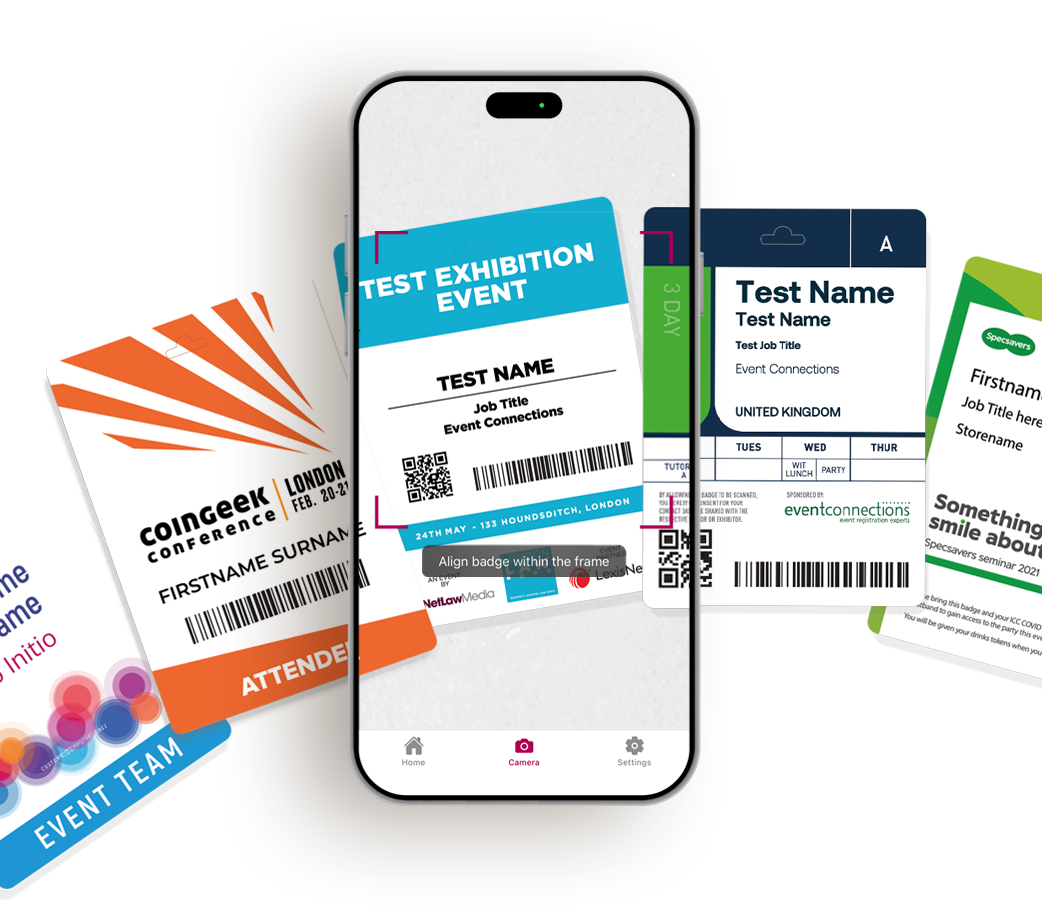
Event Scan is our in-house lead retrieval app, designed for exhibitors to use at networking events. Event Scan captures GDPR-safe data. When delegates register, we safely store their agreed data in our system.

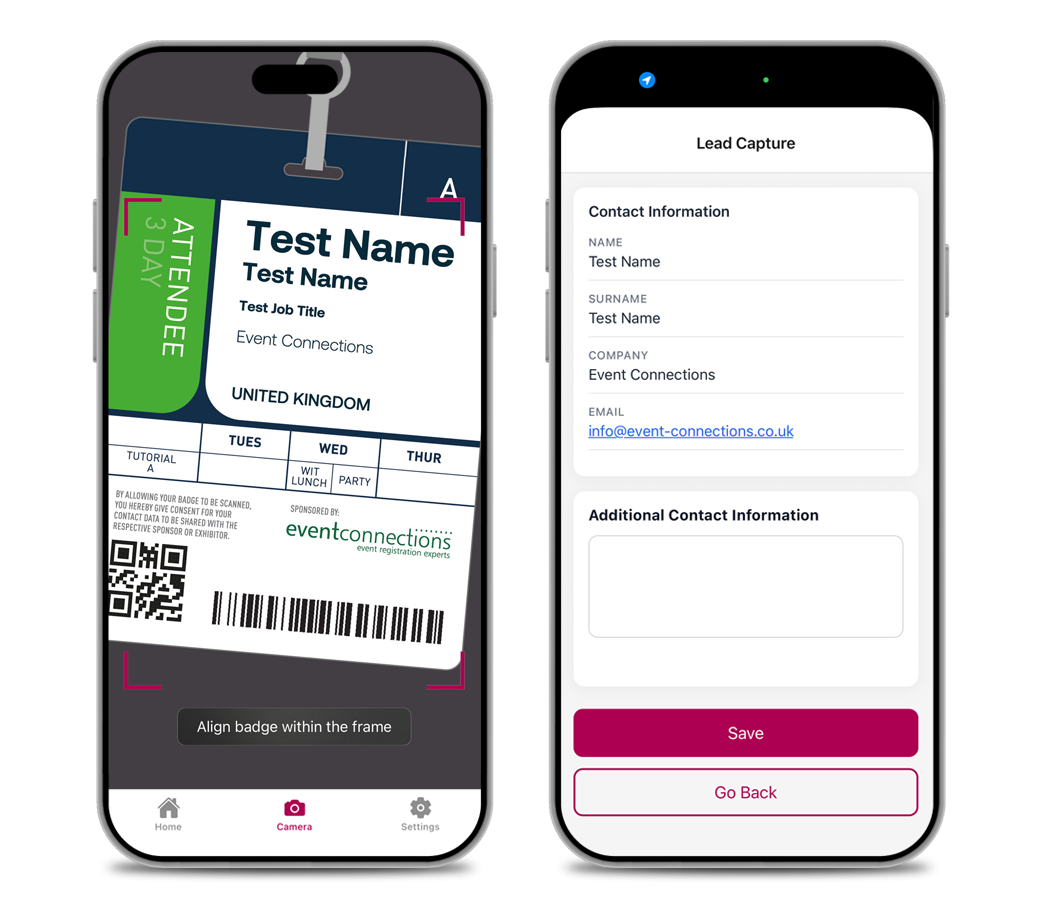
This data is then translated into a barcode or QR code, which displays on their delegate badge when they attend the event. When an exhibitor scans a badge using the Event Scan app, they capture this person as a potential lead.


How to access Event Scan

If your event is using Event Scan, you will be sent a link to our exhibitor lead retrieval portal. Here you can purchase an app license. You will then be emailed a link with how to download and log into the app.


Download The App

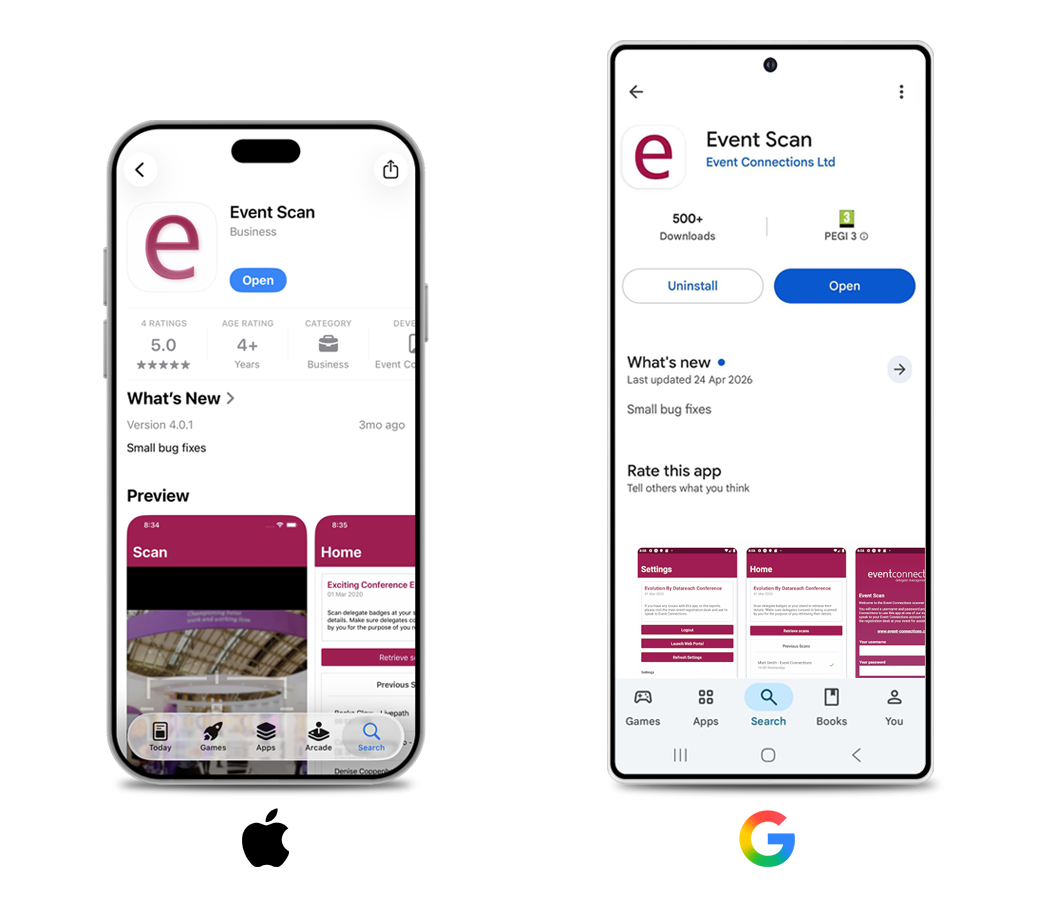
The Event Scan app is compatible with both Android and Apple devices. Simply head over to your app store and download Event Scan app on your device.


Log into the Web Portal

We will email a link which asks you to set your login details for the app and for the web portal. The web portal allows you to set up additional users you have purchased, and download your leads into an Excel spreadsheet.


Scan a Test QR Code

Before going to your event you can test how the app works. Open the app on your device and scan the test QR code located in the web portal, in the ‘your questions’ section.


Follow Up on Your Leads

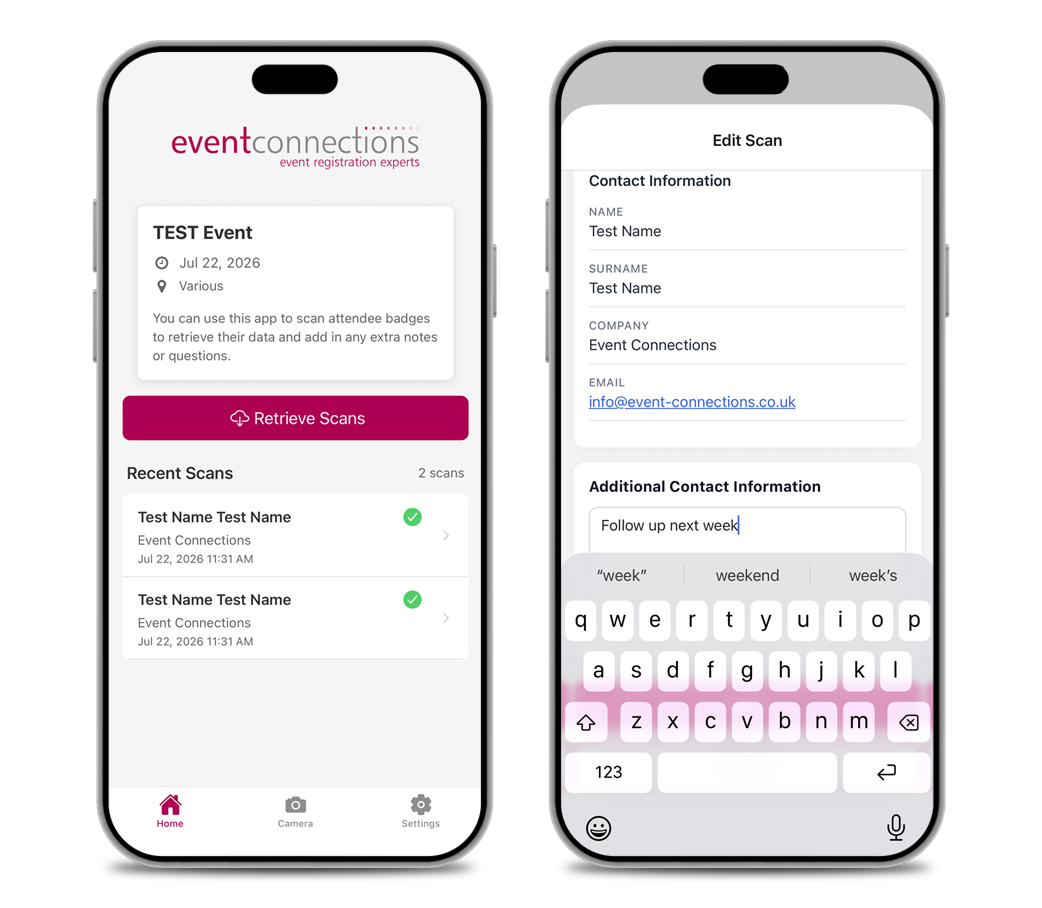
You can see your leads on your device at the event via the app, but you can download them using the web portal. For GDPR safety purposes, you have access to your leads for 2 weeks after the event.


Extra Information

  • You can use the web portal to customise what you capture at an event.

  • You may want to know certain pieces of specific information about your leads. This can be anything, such as areas of business or contact preferences.

  • Event Scan allows you to capture this extra information by setting asking “questions” - extra data fields where you can set your own unique questions to ask your leads.


Set Your Custom Questions

On the “your questions” page, set your questions. You can choose if you would like this be a text box, a drop down list or many others.

We’ve used the example of fruit - the question is “what is this persons preferred fruit?” The radial answer-options are set as apples or oranges.


Testing Your Questions

Return to your questions page. Using the Event Scan app on your device scan the QR code. You will see the lead’s data and your set questions, where you can add custom responses, information and more.


Summary

Event Scan has been designed to be user friendly and flexible, so you can get the most out of networking. Capturing potential leads should never be difficult, and having a simple app that aids the process makes everything that bit easier.

If you’re interested in learning more about the Event Scan app and want to look further into using it at your next event, get in touch with us today, and see how The Event Scan mobile event app helps your delegates achieve their full networking potential.


If you need a robust, flexible & secure registration solution for your event or conference, please do get in touch with the UK Event Registration Experts.


Event Connections